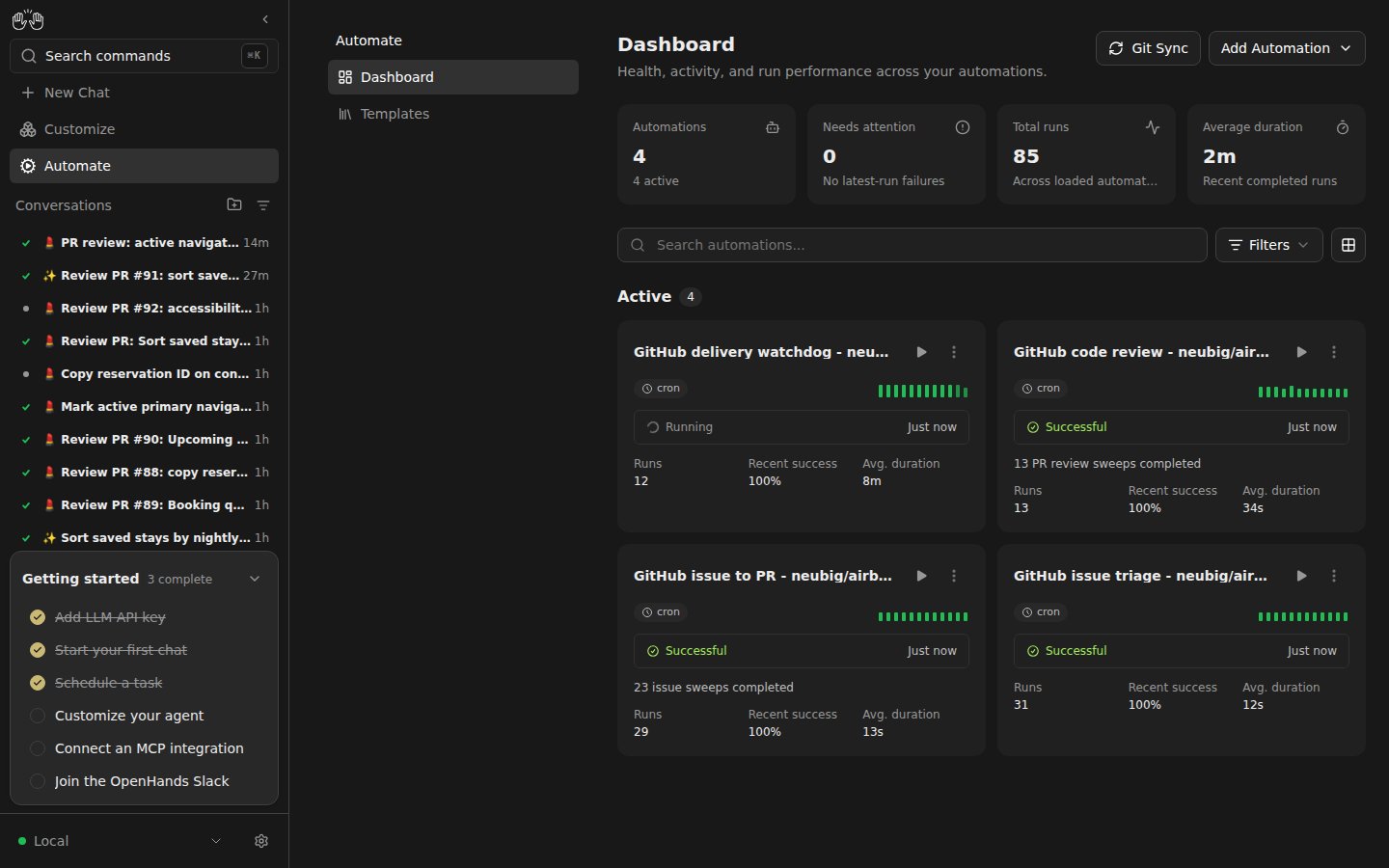
Watch the UI Setup Walkthrough
Watch the UI Setup Walkthrough
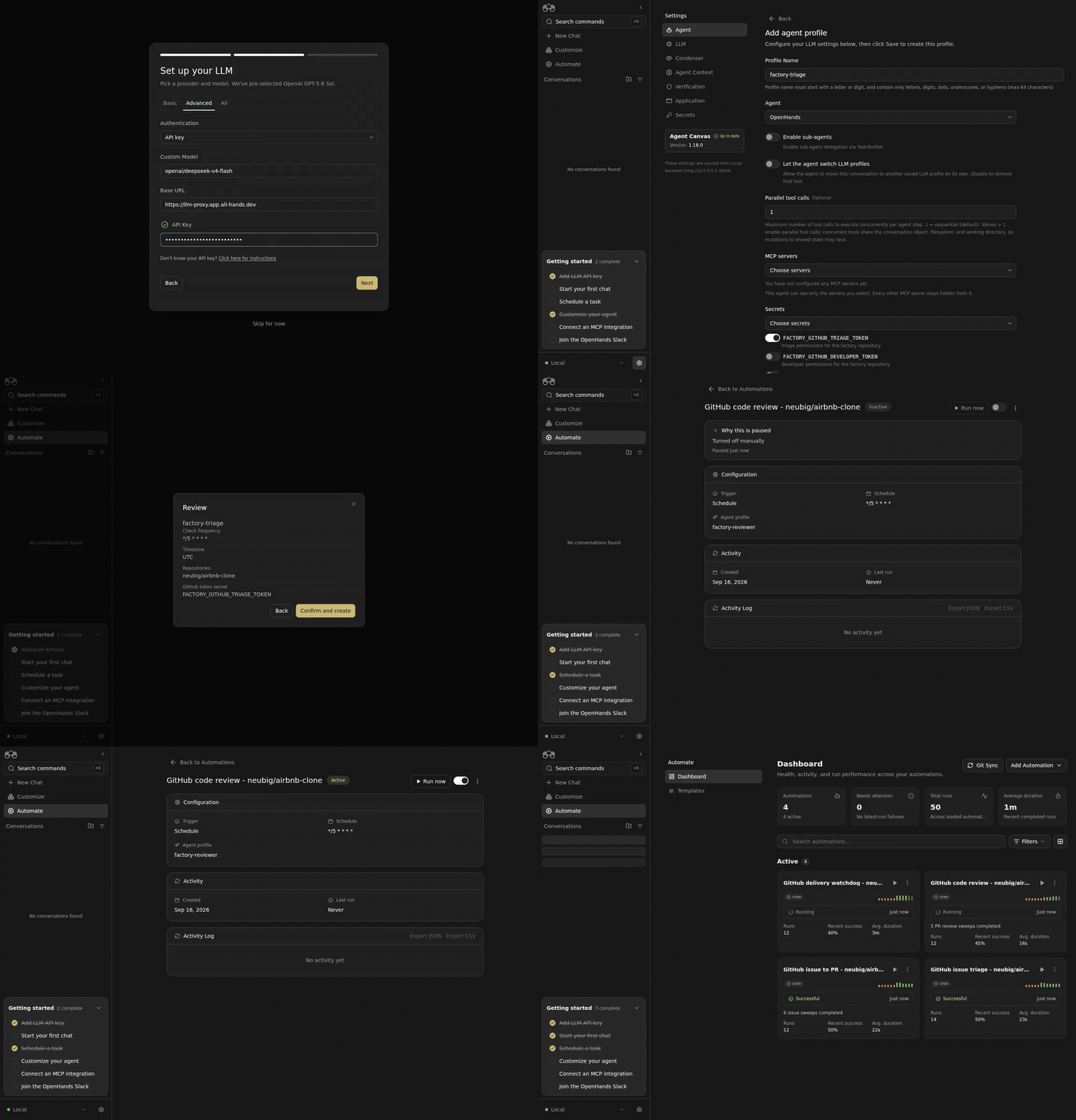
This walkthrough uses a preview build with profile-scoped automation credentials and Docker conversation runtimes. These capabilities are not yet included in a released Canvas installation. The implementation PRs must be released before following this guide with the standard installer.
Before You Start
Use a Canvas backend with Automation enabled and bounded Docker workspaces. Prepare a GitHub repository with clear test commands and three repository-scoped fine-grained personal access tokens:
Metadata read access is included by GitHub. The watchdog reuses the developer token. The reviewer can publish findings and statuses but cannot push code. Add Workflows write permission to the developer token only if agents need to change GitHub Actions workflow files.
Configure Canvas
1
Set Up Your Model
In the welcome screen, choose OpenHands, then configure your model and API key. For an OpenAI-compatible provider, use 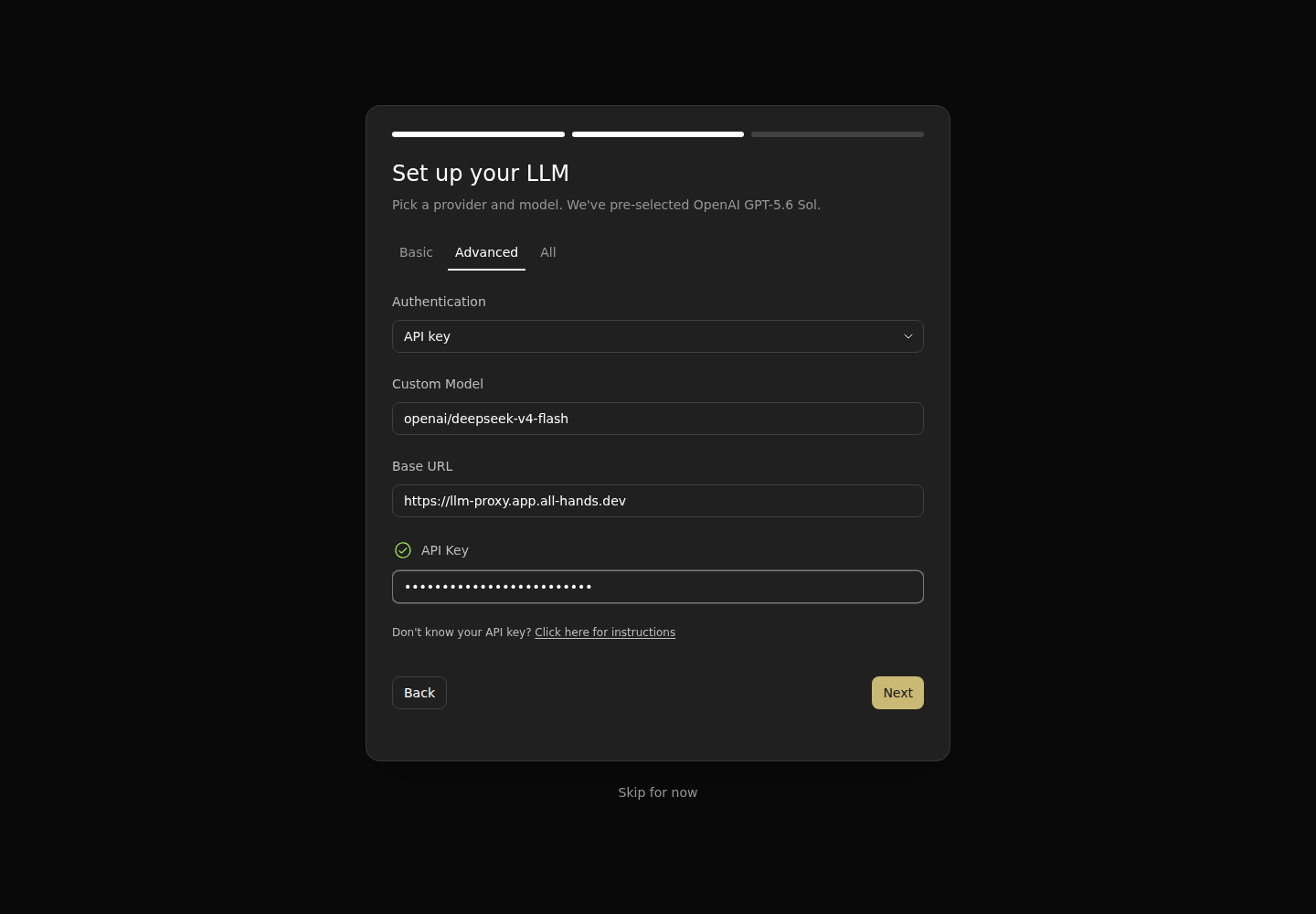
Advanced to enter the model name and base URL. Save and close the welcome screen.2
Save the Three GitHub Tokens
Open
Settings → Secrets → Add a new secret. Save:FACTORY_GITHUB_TRIAGE_TOKENFACTORY_GITHUB_DEVELOPER_TOKENFACTORY_GITHUB_REVIEWER_TOKEN
3
Create Three Agent Profiles
Open 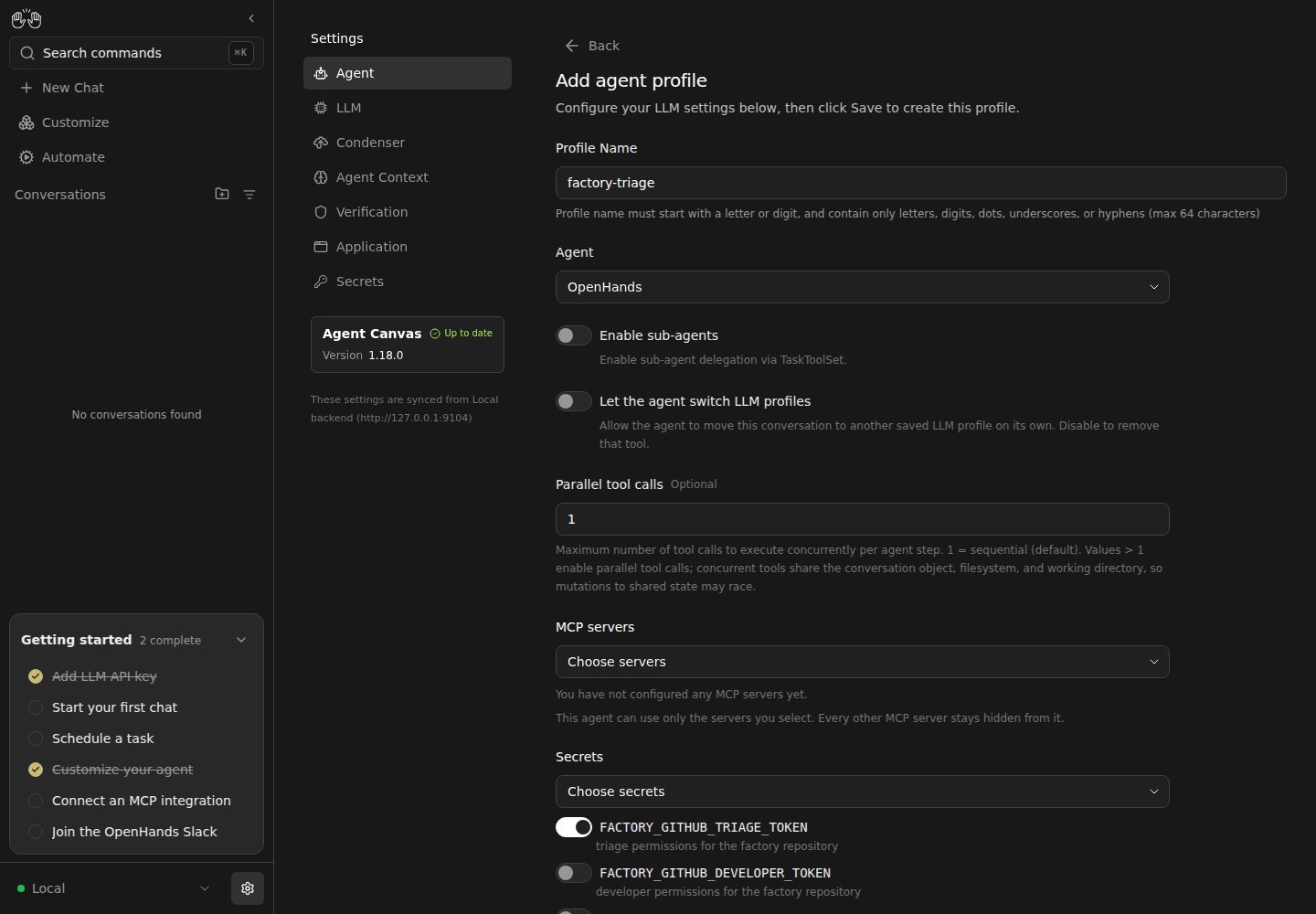
Settings → Agent → Add agent profile. Select your saved model. Under Secrets, choose Choose secrets and select only the token for that role. Use Choose servers with no MCP servers for these GitHub workflows, and disable model switching and sub-agents.Add the Four Automations
OpenAutomate → Templates, search for each template below, and choose Continue with local setup. Each scanner resolves the saved token named in its form. The triage, developer, and reviewer profiles independently restrict what their delegated agents receive.
For every automation, add your owner/repo, set Check frequency to */5 * * * *, and enter the matching GitHub token secret name. Select the matching agent profile for triage, development, and review. The watchdog is deterministic and starts no agent, so leave its profile empty. Select Continue, inspect the summary, then Confirm and create. New automations start enabled; turn them off until all four are configured.
1
GitHub Issue Triage
Select 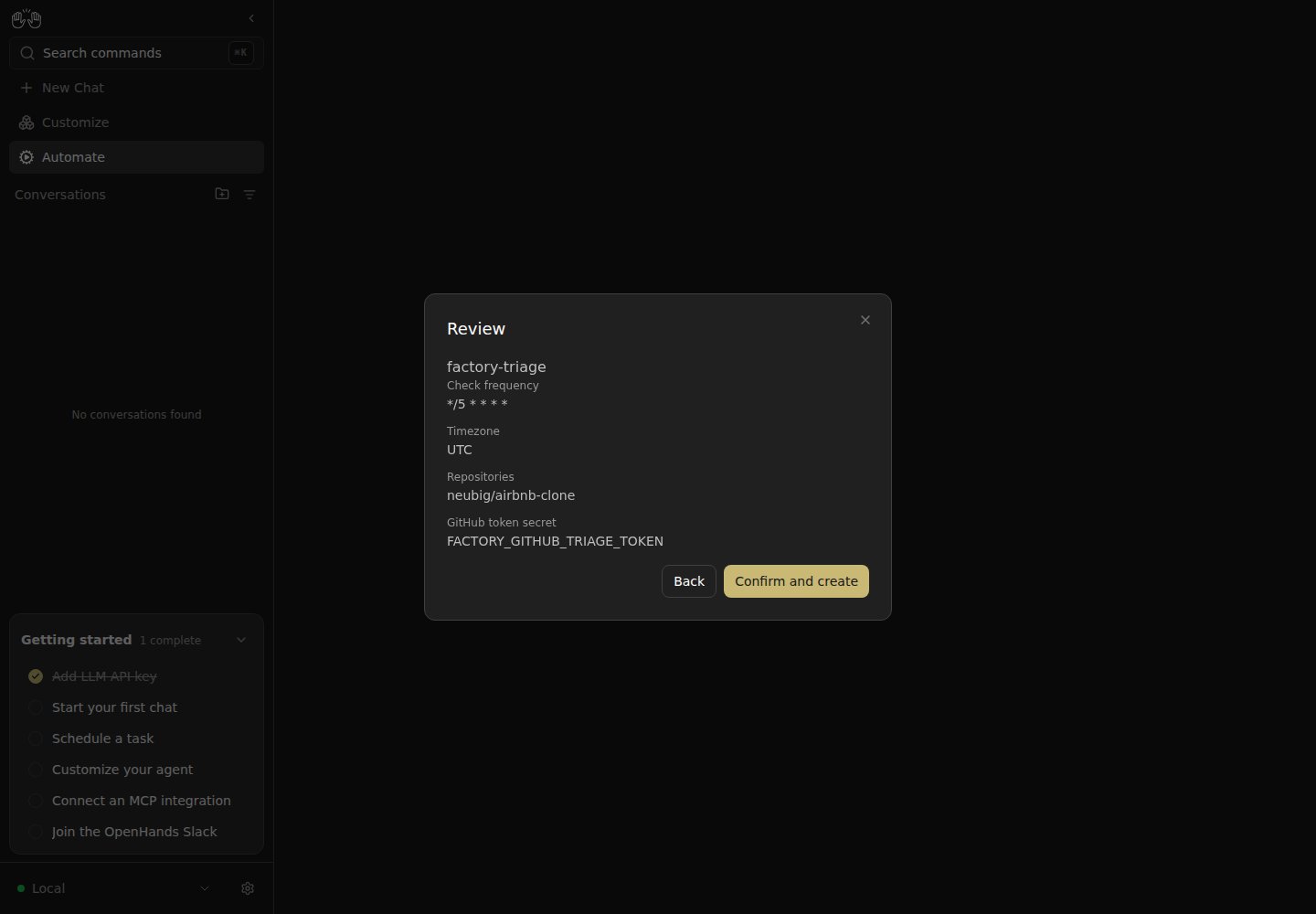
factory-triage. It prioritizes issues, checks dependencies, and establishes acceptance criteria before applying ready-for-dev.2
GitHub Issue to PR
Select 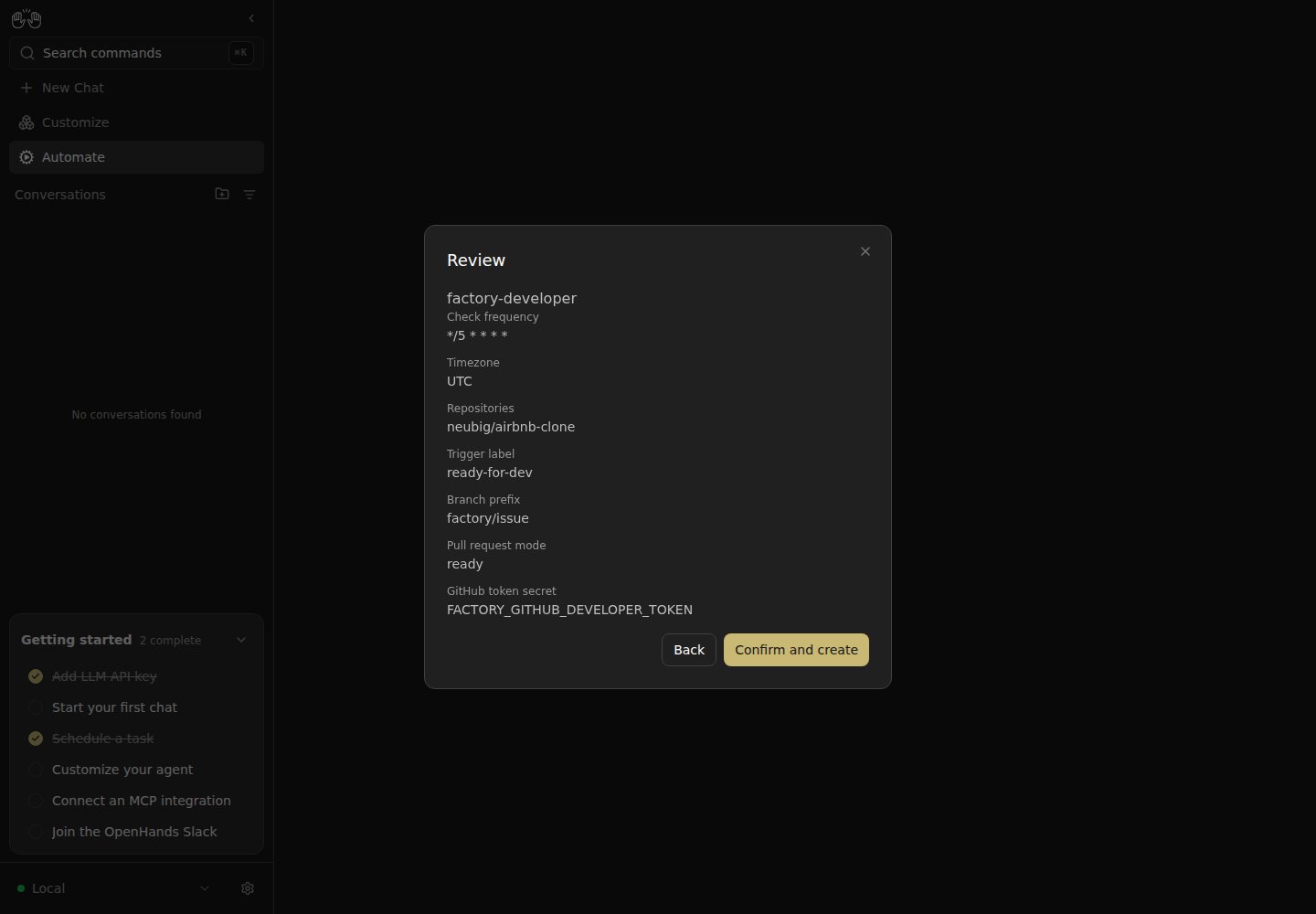
factory-developer. Set Trigger label to ready-for-dev, Branch prefix to factory/issue, and Pull request mode to Ready for review.3
GitHub Code Review
Select 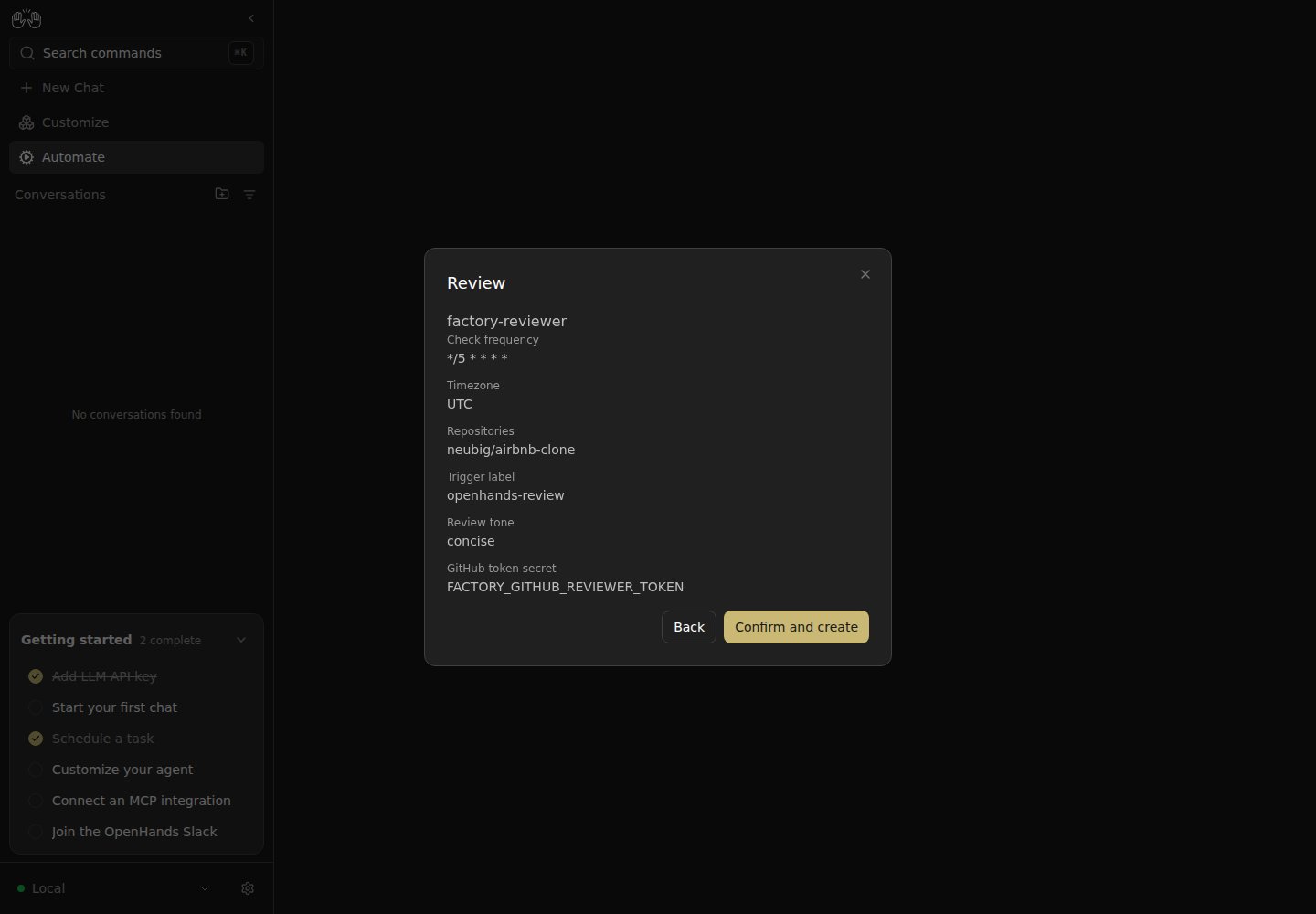
factory-reviewer, keep Trigger label as openhands-review, and choose the desired review tone. The reviewer checks out the exact PR head, follows the repository’s guidance, runs its relevant tests, posts a readable native review, and records exact-head review and test statuses.4
GitHub Delivery Watchdog
Leave the agent profile empty, select the developer secret, and use the same 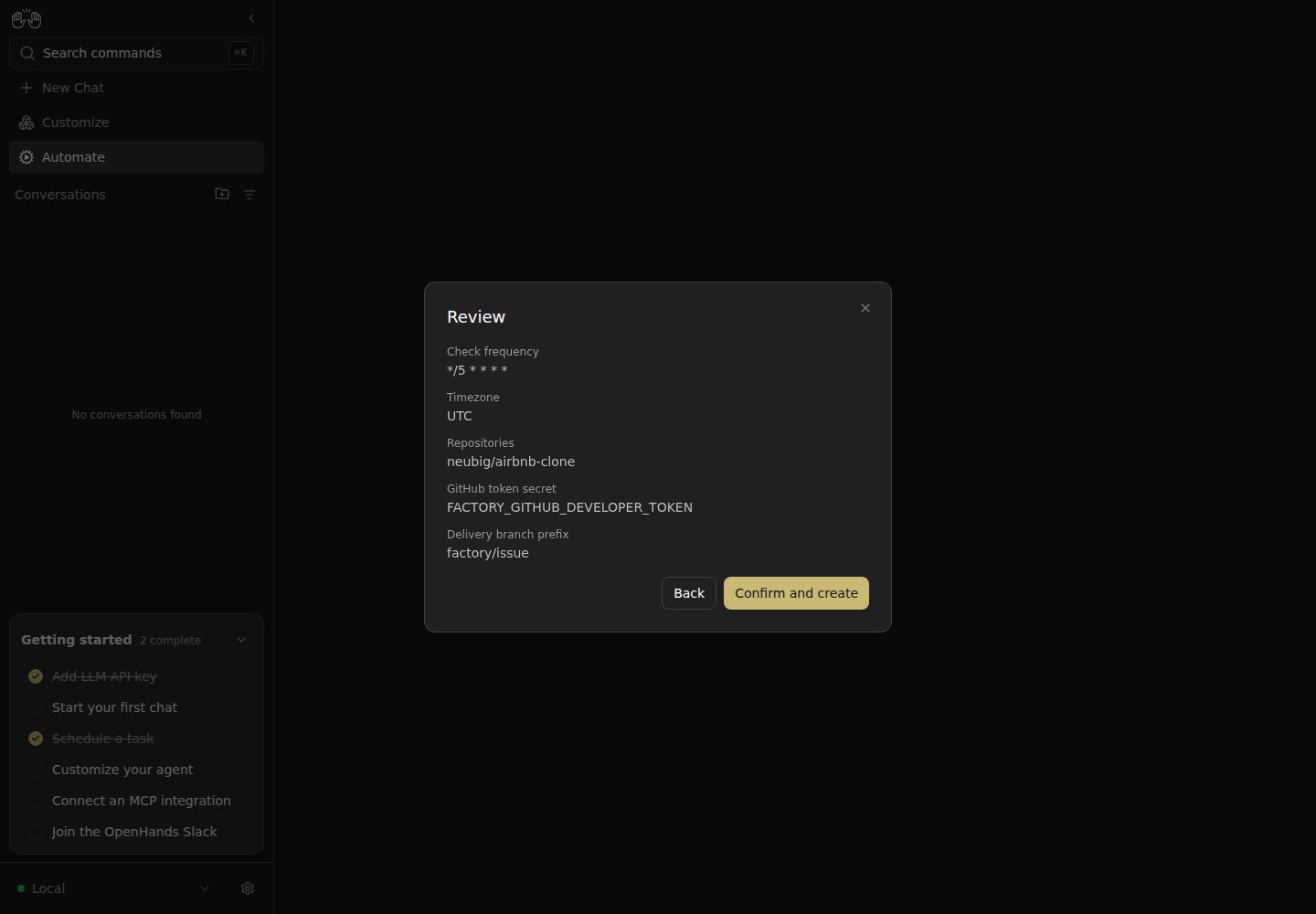
factory/issue prefix. It merges only a current branch with passing independent acceptance statuses and passing Actions runs when present.Start and Observe
Turn on all four automations. Open a small GitHub issue with observable acceptance criteria. UseRun now to start triage immediately, or wait for the schedule.
In Automate, open each automation to inspect its selected profile and activity. Follow the issue’s development PR, readable review and exact-head test statuses, and final merge. Failed checks lead to revisions and fresh acceptance of the changed commit. Use the automation toggle to pause new scheduling while inspecting a problem.
The walkthrough targets neubig/airbnb-clone. In the recorded current-head deployment, six issues were triaged and six developers ran concurrently in Docker. Reviewer agents tested and accepted PR #87 through PR #92, and the watchdog merged all six. The final two reviews resumed after a graceful Canvas restart; when earlier merges made an accepted branch stale, the watchdog updated it and waited for a fresh exact-head review before merging. The earlier factory completed neubig/box-clone through the same automated development, review, testing, and acceptance path.